
Starting a new project requires the right tools and a solid foundation. Your accounting system is no different. If you are wondering how to setup QuickBooks for a construction company, you are likely looking for a way to move beyond spreadsheets and get a clear view of your financial health. However, many contractors treat software implementation like a quick weekend DIY task, only to realize months later that their data is disorganized and their reports are unreliable. Setting up the system correctly from day one is the difference between having a tool that builds your business and a digital mess that slows you down. subcontractors and materials.
1. Neglecting The Chart Of Accounts Structure
One of the most frequent errors in a QuickBooks online setup is using a generic chart of accounts. Most standard templates are designed for retail or service businesses, which do not account for the complexities of direct versus indirect costs. In construction, your accounts must be granular enough to separate labor, materials, and subcontractor costs for every project. Without this structure, your profit and loss statement becomes a wall of numbers that tells you nothing about where your money is actually going.
When you decide how to setup QuickBooks for a construction company, you must customize your vendors, customers, and chart of accounts to reflect the physical reality of a job site. For example, a “Supplies” account is too broad for a roofer or an HVAC specialist. You need to distinguish between direct job materials, which fluctuate based on your workload, and indirect shop supplies that represent overhead. This distinction allows you to see your true gross margin before the rent and office salaries eat into your bottom line.
2. Failing To Implement Proper Job Costing
For a general contractor or a specialty trade owner, knowing your overall profit is not enough. You need to know which specific jobs are driving that profit. A major mistake when you how to setup QuickBooks for a construction company is failing to activate and utilize the project tracking features correctly. If you aren’t tagging every expense, from a box of nails to a large lumber order, to a specific job, you lose the ability to see which projects are winners and which are draining your cash flow.
This lack of visibility makes it nearly impossible to price future work with confidence. Many owners who have outgrown DIY bookkeeping realize that they have been guessing more than they are comfortable with. They might have a strong backlog of work but still feel cash flow pressure because the profit on “Job A” is being used to cover the losses on “Job B”. To avoid this, your Monthly Bookkeeping should include a review of the balance sheet and a deep dive into job level profit numbers.
3. Mismanaging Subcontractor Tracking And 1099s
Managing subs is a full time task in itself. A common pitfall in QuickBooks for construction contractors is not collecting W9 information before the first payment is issued. When you rush the setup, you often end up with a long list of vendors but no clear indication of who needs a 1099 at year end. This leads to a frantic scramble in January. Beyond tax compliance, failing to track subcontractor payments against specific project budgets can lead to overpayments and eroded margins.
If you need help organizing these details, you can Contact Us to discuss a better workflow. We often see contractors who have used multiple bookkeepers and systems, leaving behind a trail of historical job data that is unreliable. This is particularly dangerous for established firms with a messy history. If your CPA is constantly asking for clarification regarding vendor payments, it is a sign that your Industry specific vendor setup needs a complete overhaul.
4. Overlooking The Importance Of A Clean Balance Sheet
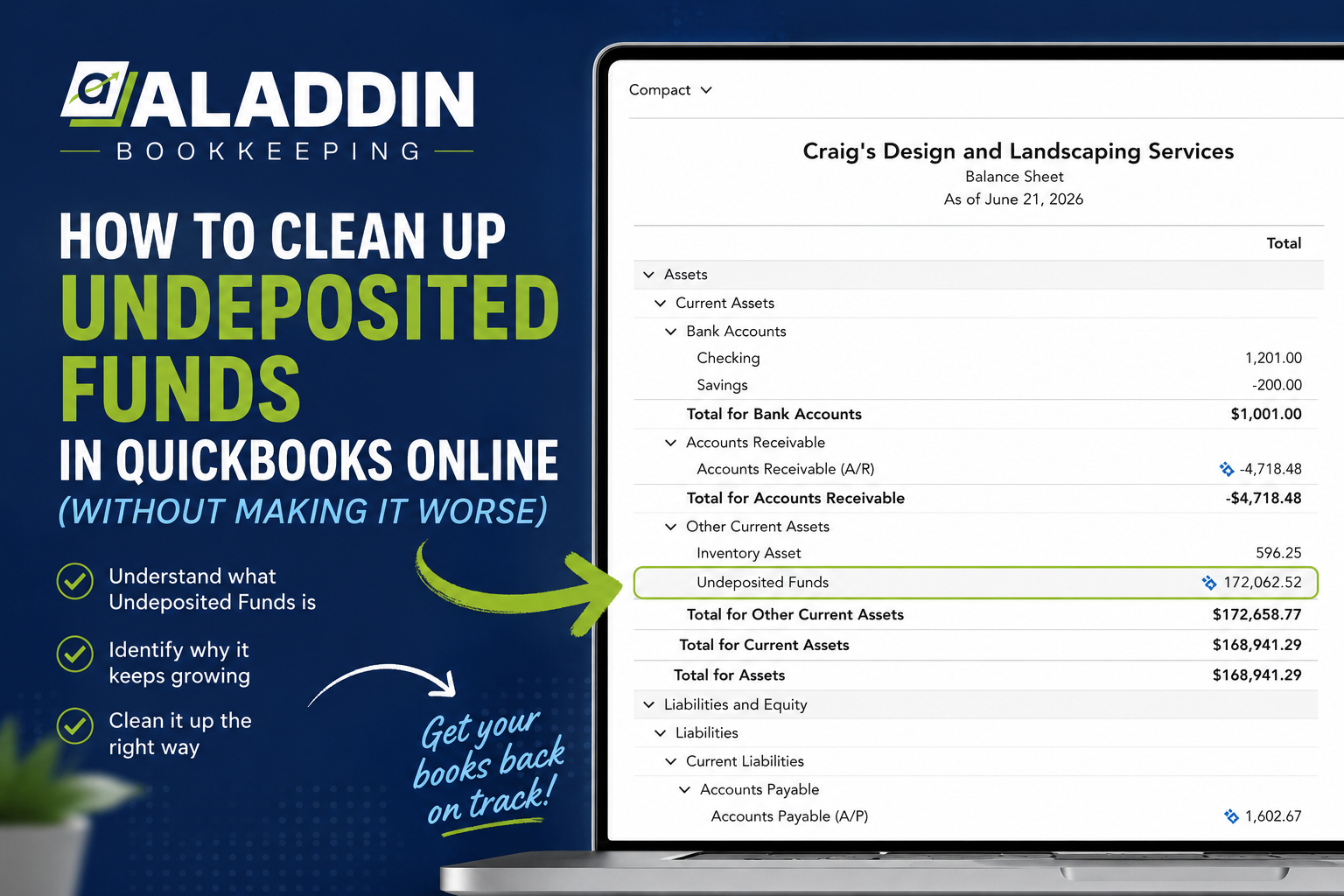
Many contractors focus entirely on the profit and loss statement while ignoring the balance sheet. This is a mistake. When you are figuring out how to setup QuickBooks for a construction company, you must ensure your bank accounts and credit cards are reconciled from the very first transaction. If your balance sheet doesn’t make sense, your CPA will spend more time fixing your history than helping you plan for the future.
An inaccurate balance sheet can also be a major red flag for lenders when you apply for equipment financing. We have helped clients uncover opportunities that resulted in a tax refund simply by cleaning up five years of books for multiple business entities. For those with historical errors, a Bookkeeping Clean Up is often the first step toward clarity and preventing a second audit.
5. Mixing Personal And Business Expenses
It is tempting to use the business card for a personal emergency or vice versa, especially in the early days. However, a professional QuickBooks online setup requires a hard line between personal and business finances. Commingling funds creates “noise” in your data and makes it difficult to see the true performance of your firm. It also increases your liability and makes audits significantly more stressful.
Keeping your books clean means ensuring every transaction has a clear, business related purpose that is documented and categorized correctly. When you how to setup QuickBooks for a construction company, you are building a system that should work as the business grows, not just for today. If you find yourself spending nights and weekends in QuickBooks trying to untangle personal lunch receipts from project material costs, you are losing valuable time that should be spent on growth.
6. Ignoring Sales Tax Requirements
Depending on your region, sales tax for construction can be incredibly complex. Some states tax the materials, while others tax the full contract price. A common error in QuickBooks for construction contractors is assuming the software will automatically handle these nuances without proper configuration. If you are not tracking which projects require sales tax and filing those returns accurately and on time, you are essentially creating a ticking time bomb of penalties and interest.
Understanding your specific tax obligations is vital for long term success. When we partner with clients, we assist with filing sales tax for specific locations to ensure everything is compliant. This allows the owner to have one less thing on their plate and the confidence that they aren’t guessing with the IRS or state authorities. You can learn more about our commitment to accuracy on our About Us page.
7. Falling Behind On Data Entry
Even the most perfect setup is useless if the data is three months old. When people ask how to setup QuickBooks for a construction company, they often forget that setup includes a commitment to a schedule. If you only look at your books once a quarter, you are making decisions based on the “rearview mirror” rather than what is happening right now.
Consistent, monthly reconciliations and financial statements allow you to catch errors early and adjust your strategy before a small mistake becomes a large financial loss. This is why we focus on clear, straightforward reporting and custom video overviews. Our clients value knowing exactly where their business stands and what comes next. If you’ve been burned by poor communication from past bookkeepers who never reached out, you know how stressful falling behind can be.
8. Relying On “Quick Fixes” Instead Of Systems
Many owners find themselves in a cycle of hiring a cheap bookkeeper to fix things, only to find the books are still messy a few months later. A high quality QuickBooks online setup involves integrating your various tools, like Service Titan, Jobber, Contractor Foreman, or Appfolio, so they talk to QuickBooks correctly. If these connected systems don’t line up, you end up with too many platforms that don’t match, creating a nightmare for your CPA.
Taking the time to do it right prevents the need for constant rework. When you look at how to setup QuickBooks for a construction company, you are creating a stable bookkeeping partnership that holds up under lender review. This includes setting up a receipt management system and ensuring payroll platforms like Gusto, Paychex, or ADP are mapped correctly to your labor accounts. For more inspiration from contractors who have made the switch to a systematic approach, feel free to browse our Reviews.
Moving Toward A Successful Finish Line
The ultimate goal of your accounting system is to ensure you are tracking your costs per project and receiving the reports you need every single month so you can work with an expert in your field to grow. When your books are organized, you gain the freedom to focus on your crews and your customers rather than your spreadsheets, ensuring your bookkeeping supports your business goals. If you are ready to stop guessing and start leading with data, the best way to begin is to Book A Call for a free introductory bookkeeping chat.
FAQs
Why is a construction-specific chart of accounts so important?
A standard setup often fails to distinguish between direct project costs and general overhead. For a contractor, your accounts must be granular enough to track labor, materials, and subs separately so you can see your true gross margin. For a deeper dive into this process, see our guide on How to Set Up a Chart of Accounts for a Construction Business (Step-by-Step).
How do I know if my job costing is accurate?
If your project profit numbers don’t match the cash in your bank, your job costing is likely broken. Accurate tracking requires tagging every expense to a specific job within QuickBooks. You can use our Job Profit Calculator to see where your margins currently stand. For those just starting out, we recommend reading Job Costing 101: How to Track Costs Accurately in Construction Bookkeeping.
What software integrations work best for contractors?
We recommend and use platforms like Service Titan, Jobber, and Contractor Foreman integrated directly with QuickBooks Online or Xero. This ensures that your field data and financial data are always in sync. If you are overwhelmed by the options, check out our review of the Best Bookkeeping Software for Construction Companies in 2026.

When should I stop doing my own bookkeeping?
Most contractors reach a “breaking point” between $1M and $5M in revenue where DIY bookkeeping is no longer cost-effective. If you are spending your nights and weekends in spreadsheets instead of growing your firm, it is time to look at professional Bookkeeping Packages. You can compare your options in our article DIY Construction Bookkeeping vs. Hiring a Bookkeeper: What Contractors Should Know.