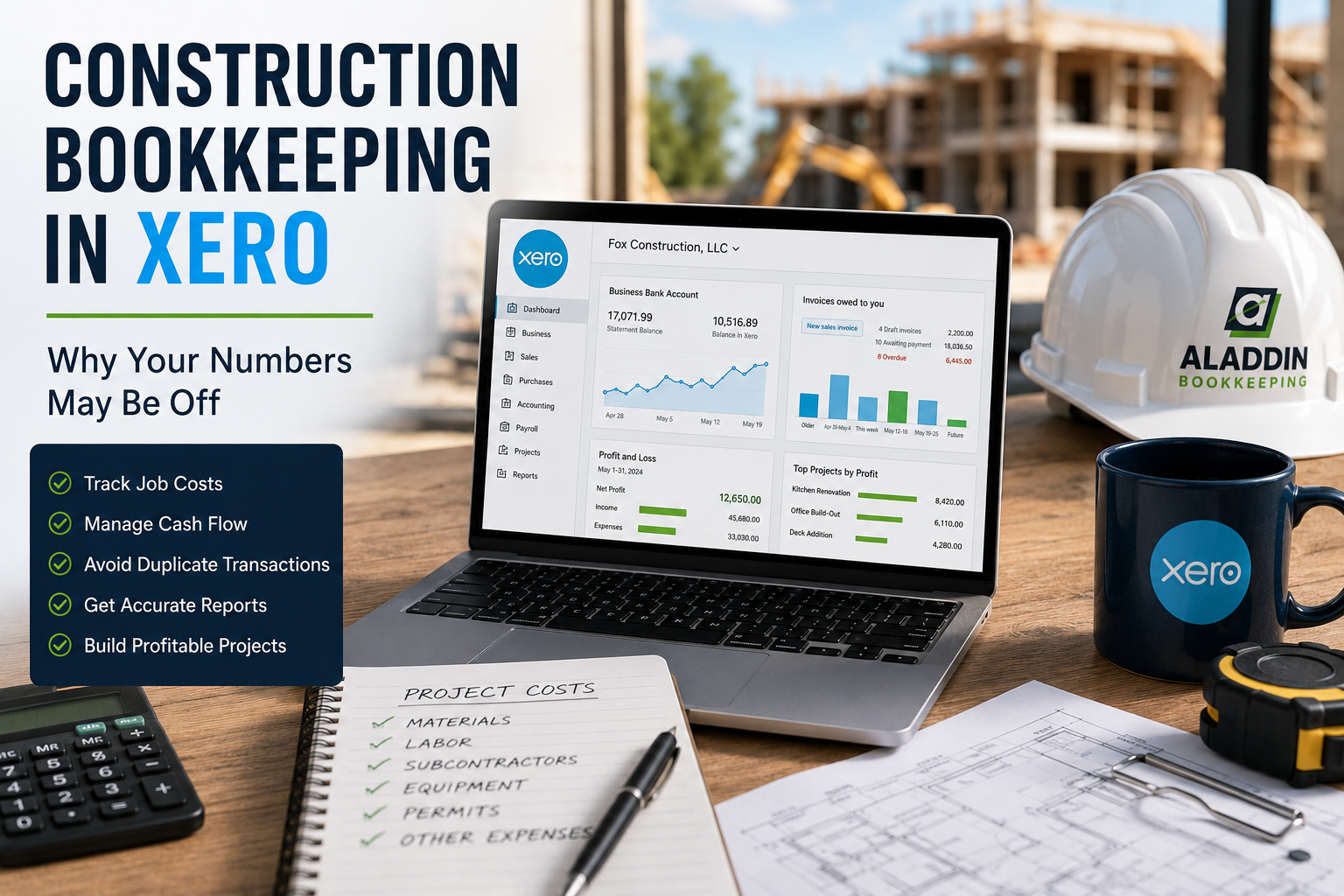
Xero can be a great accounting platform for contractors, but there’s an important distinction every construction business owner should understand:
Having your transactions in Xero doesn’t necessarily mean your books are accurate.
Your bank accounts can be connected. Your invoices can be syncing. Your CRM can be integrated. Your payroll can be posting automatically.
And your numbers can still be wrong.
Construction bookkeeping is particularly vulnerable to these problems because there are so many moving pieces. A single project might involve customer deposits, progress invoices, subcontractor bills, material purchases, credit cards, payroll, equipment, loans, merchant processing fees, and change orders.
Add a CRM or construction management system to the mix, and information may be flowing into Xero from several different places.
Xero can help contractors track project costs, expenses, invoices, and profitability, including assigning bills and expenses to specific projects. But the quality of those reports ultimately depends on the quality of the information going into the system.
If your Xero reports don’t seem to reflect what’s really happening in your construction business, here are some of the first places to look.
Why Construction Bookkeeping in Xero Is Different
Construction companies don’t just need to know whether the business made money.
You also need to know whether each job made money.
Imagine two projects:
Project A
Revenue: $100,000
Costs: $70,000
Gross profit: $30,000
Project B
Revenue: $100,000
Costs recorded in Xero: $55,000
Apparent gross profit: $45,000
Project B looks much better.
But what if another $20,000 of materials and subcontractor expenses were recorded in Xero without being assigned to that project?
The business-wide Profit & Loss might still contain those expenses.
But the project report doesn’t.
Project B’s real costs are $75,000, making its gross profit only $25,000.
That’s why construction accounting depends heavily on job costing. Xero describes job costing as tracking labor, materials, subcontractors, equipment and other costs against individual projects so contractors can understand profitability and identify overruns.

Your overall books can be right while your job reports are wrong.
And the opposite can happen too.
1. Expenses Aren’t Assigned to the Correct Projects
This is one of the easiest ways for construction numbers to become misleading.
Suppose your crew purchases $8,000 of materials for the Smith project.
The bookkeeper correctly categorizes the purchase as:
Cost of Goods Sold – Materials: $8,000
From an accounting perspective, that’s a good start.
But if the transaction isn’t also assigned to the Smith project, your project profitability report may be missing $8,000 of costs.
Xero Projects allows bills and expenses to be assigned to specific projects and actual costs to be compared with estimates.
That only works when the costs are consistently assigned.
For contractors, this means you need a process for identifying the job associated with purchases such as:
- Materials
- Subcontractors
- Equipment rental
- Permits
- Dumpsters
- Job-specific supplies
- Direct labor
- Delivery fees
A $2,500 purchase at a building supply company doesn’t tell your bookkeeper which project it belongs to.
That information needs to come from somewhere.
2. CRM and Invoicing Integrations Can Duplicate Transactions
Integrations are supposed to save time.
Sometimes they create more work instead.
Many contractors use a CRM, field-service platform, or construction management system to create estimates, schedule work, invoice customers, and collect payments.
Then that software connects to Xero.
The trouble begins when multiple systems are allowed to create the same accounting transaction.
For example:
CRM creates invoice → invoice syncs to Xero
The customer pays through the CRM.
CRM records payment → payment syncs to Xero
Then a payment processor sends information into the accounting workflow.
Finally:
Bank feed imports the actual deposit.
Depending on how the systems are configured, you may have multiple records associated with one customer payment.
This can lead to:
- Duplicate income
- Duplicate invoices
- Duplicate payments
- Incorrect Accounts Receivable
- Unmatched deposits
- Incorrect merchant fees
- Reconciliation problems
This is why simply connecting software isn’t enough.
Someone needs to understand what each system is responsible for creating.
3. The Bank Deposit Is Recorded as New Income
This is a common bookkeeping mistake, especially when invoices are created outside the accounting software.
Suppose your CRM sends a $5,000 invoice to Xero.
The customer pays it.
The income has already been accounted for through the invoice.
Later, a $5,000 deposit appears in the bank feed.
If someone records that deposit as Sales Income rather than matching or reconciling it against the activity that already exists, the same sale can effectively be represented twice.
Your bank account may appear fine.
Your income may not.
Xero’s reconciliation workflow is designed to compare imported bank activity with transactions already recorded in the books, including invoices, bills and expenses.
Before creating a new transaction from the bank feed, the question should be:
Does this transaction already exist somewhere in Xero?
4. Gross Sales and Net Merchant Deposits Aren’t Being Separated
Merchant processing creates another common source of confusion.
Let’s say your customer pays:
Invoice: $10,000
Your processor charges:
Processing fee: $300
Your bank receives:
Deposit: $9,700
Your accounting needs to ultimately reflect all three components.
You didn’t earn $9,700.
You earned $10,000 and paid a $300 processing fee.
If your CRM or invoicing system records the $10,000 payment but someone sees the $9,700 bank deposit and creates another sales transaction, your income can be overstated.
On the other hand, if only $9,700 is recorded as revenue, your sales can be understated and the merchant fee may disappear completely.
This is one reason payment integrations need to be reviewed carefully.
The amount hitting your bank isn’t necessarily the amount of revenue you earned.
5. Bank Transactions Are Being Reconciled to the Wrong Things
Bank reconciliation is one of the most important quality-control procedures in bookkeeping.
Xero itself describes reconciliation as comparing your accounting records with the bank’s records to identify mistakes and missing transactions. Its current reconciliation guidance also notes that discrepancies can result from missing, deleted, or duplicated bank transactions.
But there’s another issue:
A transaction can be reconciled incorrectly.
For example, a payment might be reconciled as:
Repairs & Maintenance
when it was actually:
Credit Card Payment
Or a deposit might be reconciled as:
Sales
when it was really:
Transfer from Savings
The transaction disappears from the reconciliation screen, but that doesn’t mean the accounting is correct.
Reconciled does not automatically mean correctly categorized.
6. Transfers Are Being Recorded as Income or Expenses
Construction companies frequently move money between accounts.
You might transfer money from:
- Checking to savings
- Savings to checking
- One operating account to another
- Checking to a credit card
- A line of credit into checking
These movements aren’t automatically income or expenses.
If you move $20,000 from one business bank account to another, your business didn’t suddenly earn $20,000.
Likewise, transferring $10,000 to pay your business credit card doesn’t create another $10,000 expense if the individual credit card purchases were already recorded as expenses.
Incorrectly categorizing transfers can dramatically distort your Profit & Loss.
7. Credit Card Payments Are Being Recorded as Expenses
This deserves special attention because it can create substantial duplicate expenses.
Suppose your business credit card contains:
Materials: $8,000
Fuel: $1,500
Equipment rental: $2,000
Other expenses: $500
Total: $12,000
Those individual charges are already your expenses.
When you pay $12,000 from checking to the credit card, the payment generally reduces what you owe on the credit card.
If the $12,000 checking withdrawal is categorized as another expense, you may now have:
$12,000 of credit card expenses
plus
$12,000 of additional expense from the payment.
The business appears to have spent $24,000 when it actually spent $12,000.
8. Loan Payments Aren’t Split Between Principal and Interest
Contractors frequently finance:
- Trucks
- Heavy equipment
- Trailers
- Machinery
- Business acquisitions
- Working capital
A loan payment isn’t usually one simple expense.
For example:
Monthly payment: $2,500
Principal: $2,000
Interest: $500
The $2,000 principal reduces the liability on your Balance Sheet.
The $500 interest is generally recorded as interest expense.
If the entire $2,500 is categorized as an expense every month, two things can become wrong:
Your expenses may be overstated.
And:
Your loan balance may never decrease correctly.
Eventually, Xero might show a $100,000 loan that the lender says is only $65,000.
That’s a Balance Sheet problem that can build for years if nobody is reviewing the loan statements.
9. Payroll Isn’t Being Recorded Correctly
Construction payroll can become complicated quickly.
Your accounting may need to account for:
- Gross wages
- Employer payroll taxes
- Employee deductions
- Payroll liabilities
- Workers’ compensation
- Direct labor
- Administrative wages
- Job assignments
Problems can arise when payroll software sends entries into Xero while someone separately records payroll from the bank feed.
Now payroll may be duplicated.
Another issue occurs when all payroll is treated as one general wage expense even though the contractor needs direct labor assigned to specific jobs.
The company-wide payroll number might be reasonable while the individual project costs are incomplete.
10. Bills Are Duplicated by the Bank Feed
Suppose a subcontractor sends you a $15,000 invoice.
You enter the invoice into Xero as a bill.
Later, you pay it.
Then the $15,000 withdrawal arrives through the bank feed.
If that withdrawal is recorded as a new subcontractor expense instead of being reconciled with the existing bill payment, you can create a duplicate expense.
This can be particularly dangerous for contractors because vendor and subcontractor bills can be large.
A handful of duplicated $10,000–$50,000 bills can substantially distort your financial statements.
11. Equipment Purchases Are Being Expensed Incorrectly
Construction companies purchase expensive assets regularly.
Trucks.
Trailers.
Excavators.
Skid steers.
Machinery.
Major tools.
Some larger purchases may need to be recorded on the Balance Sheet as assets rather than simply being categorized as an ordinary monthly expense.
Financing can create an additional liability that needs to be recorded.
Your tax professional should determine the appropriate tax treatment and depreciation, but the bookkeeping needs to capture what actually happened:
What was purchased?
What did it cost?
Was there a down payment?
How much was financed?
What loan was created?
A $75,000 equipment purchase shouldn’t disappear into a generic equipment-expense category without someone reviewing what it actually represents.
12. Bank Rules Are Automating the Wrong Answer
Bank rules can be extremely helpful.
They can also consistently repeat a mistake.
Xero allows businesses to create bank rules to automate the treatment of similar transactions.
Imagine creating a rule that says:
Any transaction containing “Home Depot” → Materials
That might work most of the time.
But what happens when Home Depot purchases include:
- Materials for Project A
- Materials for Project B
- Tools
- Equipment
- Office supplies
- Personal purchases accidentally made with the business card
Automation doesn’t know the story behind every transaction.
A rule can make bookkeeping faster, but faster isn’t necessarily more accurate.
13. Old Transactions Were Changed After Reconciliation
Historical changes can create especially frustrating problems.
Someone might:
- Delete an old transaction
- Change the amount
- Change the date
- Edit a previously reconciled payment
- Remove an imported bank transaction
- Change an account
- Create a duplicate
Now your historical reports may change.
And the bank account may no longer reconcile correctly.
Xero’s bank reconciliation reporting is intended to help identify discrepancies such as missing, deleted, and duplicated bank transactions when the accounting balance doesn’t agree with the bank balance.
When historical numbers suddenly change, don’t immediately create an adjustment to force them back.
Find out why they changed.
14. Your Project Reports and Profit & Loss Are Telling Different Stories
This doesn’t always mean Xero is broken.
The reports may simply be answering different questions.
Your Profit & Loss tells you about the financial performance of the overall business.
Your project reports depend on which transactions were assigned to those projects.
If you have $500,000 of company expenses but only $350,000 has been properly allocated to jobs, your individual project reports won’t explain all of the company’s costs.
That can make projects appear more profitable than they actually are.
Xero Projects is designed to track project expenses, bills and time and compare costs with estimates, but accurate project profitability depends on costs being captured against the appropriate jobs.
How to Tell If Your Xero Numbers Are Actually Accurate
Don’t rely on one report.
Review the accounting from several directions.
Start with the Balance Sheet.
Do your bank balances make sense?
Do your credit card balances agree with the statements?
Do your loan balances agree with lender statements?
Does Accounts Receivable represent customers who actually owe you money?
Then review the Profit & Loss.
Look for unusual fluctuations, duplicate expenses, unexpected income accounts, unusually high revenue, and expenses that don’t make sense.
Finally, review your project reports.
Are material costs assigned?
Are subcontractors assigned?
Is labor represented correctly?
Do the margins make sense based on what happened on the job?
The goal isn’t simply to make Xero reconcile.
The goal is to make Xero accurately represent the business.
Create a Clear Workflow Between Xero and Your Other Software
If your construction company uses a CRM or invoicing platform, document the entire transaction flow.
For example:
Estimate → CRM
Invoice → CRM
Invoice sync → Xero
Customer payment → Payment processor
Payment information → Xero
Merchant fee → Xero
Net deposit → Bank
Bank feed → Xero reconciliation
Now determine exactly which system creates each transaction.
This simple exercise can reveal why your numbers keep getting duplicated.
The more software you connect, the more important this becomes.
Frequently Asked Questions About Construction Bookkeeping in Xero
Is Xero good for construction bookkeeping?
Xero can work well for many contractors and construction businesses. Xero Projects supports assigning bills, expenses, and time to individual projects and comparing actual project costs with estimates.
The appropriate system depends on the size and complexity of the construction business and the depth of job costing, WIP, progress billing, and operational reporting required.
Why is my Xero balance different from my bank balance?
Potential causes include missing or duplicated transactions, deleted transactions, incorrect opening balances, bank-feed issues, or historical changes. Xero recommends using reconciliation and its bank reconciliation reporting to investigate differences.
Can Xero track construction jobs?
Yes. Xero Projects allows costs, expenses, bills and time to be assigned to projects so businesses can monitor costs and profitability.
Why does my project look more profitable than it really is?
Some job costs may not have been assigned to the project. Material purchases, subcontractors, labor, equipment, and other direct expenses can exist on the company books without necessarily appearing in the appropriate project reporting.
Can a CRM cause duplicate income in Xero?
It can if the overall integration workflow results in more than one system creating accounting records for the same activity. For example, an invoice or payment may already exist before someone creates another transaction while reconciling the corresponding bank deposit.
Can Xero bank rules cause bookkeeping mistakes?
Yes. Bank rules can speed up reconciliation by consistently treating similar transactions the same way, but a poorly designed rule can also repeatedly apply the wrong treatment. Xero provides bank rules as an automation feature, so they should be periodically reviewed rather than assumed to be correct forever.
Should a credit card payment be an expense?
Generally, the underlying business purchases are the expenses. A payment from checking to the business credit card typically reduces the credit card liability rather than creating another copy of those expenses.
Should loan payments be expenses?
Usually, a loan payment contains principal and interest. Principal reduces the loan liability, while interest is generally an expense. Your specific accounting and tax treatment should be reviewed with the appropriate accounting or tax professional.
How often should construction bookkeeping be reconciled?
At minimum, accounts should be reconciled regularly enough to catch problems before they accumulate. Xero’s current guidance recommends more frequent reconciliation for higher-volume businesses and describes monthly reconciliation as a minimum baseline.
Why do my Xero reports look wrong even though everything is reconciled?
Because reconciliation is only one piece of accurate bookkeeping. Transactions can be reconciled to incorrect accounts, project assignments can be missing, transfers can be misclassified, integrations can duplicate activity, and Balance Sheet accounts can still be wrong.
Construction Bookkeeping in Xero Is About More Than Categorizing Transactions
Xero can automate a lot.
It can import bank activity, suggest transaction matches, apply bank rules, connect with other software, and track costs against projects.
But software can’t completely replace understanding what actually happened.
For construction companies, accurate bookkeeping requires connecting the financial activity to the real-world business activity.
Which project was this material for?
Was this deposit already recorded through an invoice?
Is this payment principal, interest, or both?
Is this a transfer or an expense?
Did the CRM already create this transaction?
Was this subcontractor bill assigned to the right project?
Those questions are what turn a collection of transactions into meaningful financial reports.
And when the books are right, you can use them for something much more valuable than tax preparation.
You can see which jobs make money, where margins are slipping, how much you actually owe, and how the business is performing.
Not Sure You Can Trust the Numbers in Xero?
If your bank accounts reconcile but your financial reports still don’t make sense, there may be more happening behind the scenes.
Duplicate transactions, CRM integrations, incorrect project assignments, loan payments, payroll entries, merchant deposits, and bank-feed mistakes can all cause your Xero reports to tell the wrong story.
Aladdin Bookkeeping helps contractors and growing businesses clean up their bookkeeping, identify what’s causing inaccurate numbers, and create better accounting workflows going forward.
If you’re using Xero and aren’t confident in your numbers, contact Aladdin Bookkeeping to discuss your bookkeeping and cleanup needs.