
If you run a construction business, you already know how messy the numbers can get. Between juggling job sites, managing crews, and keeping up with suppliers, bookkeeping often takes a back seat. But without a clean system, it’s hard to see which jobs are profitable or whether your bids are accurate.
That’s where the best bookkeeping software for construction business makes a difference. As a general contractor, your books need to handle more than just income and expenses. You need a tool that can track job costs, manage payroll, and keep subcontractor payments organized, all while giving you a clear picture of how your business is performing.
At Aladdin Bookkeeping, we work with construction companies every day that are trying to clean up their books or move away from spreadsheets that just can’t keep up.
If you’re ready to find the right accounting software for 2026, here’s what you should know before you decide.
What To Look For In Bookkeeping Software For Construction
Construction businesses have unique needs like job costing, subcontractor management, and complex payroll setups. That’s why your software should be able to do more than just record transactions. It should help you understand your numbers and make smarter business decisions.
Look for a system that can track job costs by project or site, assign labor and materials correctly, and generate reports that show you where your profit is really coming from. Mobile access is also key if your crews work across multiple locations. The right setup allows supervisors to log time or expenses in real time, instead of trying to remember the details at the end of the week.
Don’t forget about compliance as well. Construction companies often deal with varying pay rates, overtime, and different state or local tax rules. Your bookkeeping software should keep you compliant automatically, so you’re not scrambling to fix mistakes later.
QuickBooks Online
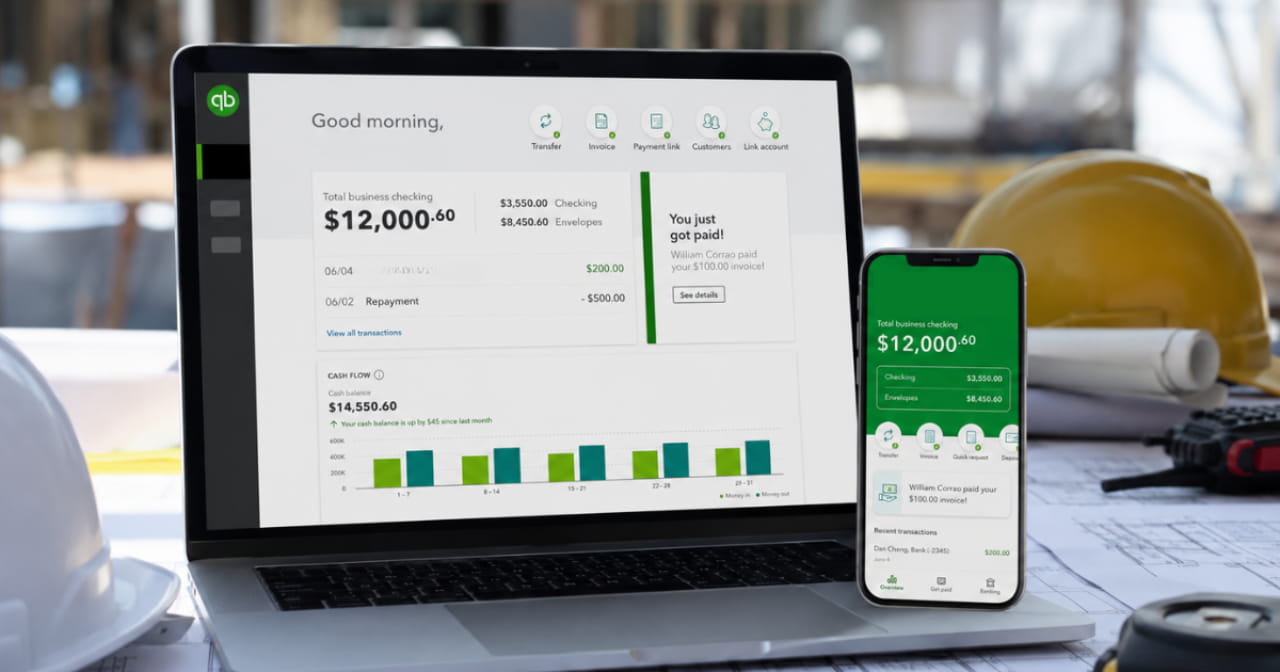
For many contractors, QuickBooks is the go-to choice. It’s widely used, integrates with most construction apps, and has a solid payroll system built in. That makes it especially useful for businesses that employ both workers and subcontractors.
QuickBooks has all the tools you need to track job costs, but they don’t come perfectly tailored out of the box. You’ll need to set up your chart of accounts, cost codes, and class tracking in a way that reflects how your projects actually run. When configured properly, QuickBooks can show you exactly how much labor, materials, and subcontractor expenses went into each job, and whether you stayed on budget or not.
The challenge is that most construction companies don’t have the time (or desire) to dig through setup menus and learn all the rules behind job costing. That’s where a bookkeeper who understands construction accounting comes in. With the right help, you can customize your reports, automate cost tracking, and finally see which projects are making money and which are draining your resources.
QuickBooks also connects with time-tracking and field-management apps, so your on-site activity flows right into your books. Once everything is mapped correctly, it’s a powerful system that keeps your financials and field data in sync.
The biggest downside is cost. As your business grows and you add more users or features, pricing can climb. But for most small to mid-size construction companies, QuickBooks remains one of the most complete and reliable systems available, especially when it’s set up correctly.
Read more: 5 Tips for Using QuickBooks for General Contractors
Xero
Xero is another strong option for trades and construction businesses that want a simple, cloud-based bookkeeping system. It’s known for its clean design, mobile access, and ease of use, which makes it appealing to business owners who don’t want to feel buried in accounting screens.
Like QuickBooks, Xero can handle job costing, project tracking, and progress invoicing, but it needs to be set up correctly to reflect your workflows. When configured right, you can see how each project is performing and where you might be losing margin.
One thing to understand about Xero is that it doesn’t include scheduling or time-tracking features by default. Xero integrates seamlessly with other apps, like Jobber, for things like job scheduling, crew time tracking, and field reporting. You can start with basic bookkeeping, then add those tools as your business grows and your needs become more complex.
Overall, it’s well-suited to smaller teams or contractors who want a clear, mobile-friendly view of their finances without feeling overwhelmed. With the right bookkeeper helping you set up cost codes and integrations, you can get just as much insight from Xero as you would from more complex systems.
Other Tools Worth Exploring
If you’ve outgrown traditional bookkeeping systems or run a larger operation with multiple crews and subcontractors, you might want to look at industry-specific tools like Knowify, Buildertrend, or Foundation. These platforms are built for construction companies and include features such as progress billing, change order tracking, and detailed job cost analysis.
They tend to be pricier and more complex, but if you’re managing several large projects at once, that extra visibility can be worth it. You can even integrate these tools with QuickBooks or Xero so your accounting stays synced while your team manages jobs in a system designed for construction.
Choosing The Right Software For Your Trade Business
The best bookkeeping setup is the one that fits the way your business actually works. For most construction companies, starting with QuickBooks or Xero gives you a solid accounting foundation. The key is getting your system set up properly from the start. If you’re not sure where to begin, our team can help.
At Aladdin Bookkeeping, we specialize in helping construction companies simplify their books, set up job costing the right way, and use software that actually supports the way they work. From choosing the right platform to setting up your accounts and training your team, we’ll make sure everything runs smoothly behind the scenes.

Ready to get your books working as hard as you do?
Book a free consultation with Aladdin Bookkeeping today.