For many contractors, integrating a CRM with QuickBooks seems like an obvious win.
Your sales team manages leads and customers in one system. Your accounting team manages invoices and financial reporting in another. Connect the two, and everything should flow seamlessly.
At least in theory.
In reality, many contractors discover that their CRM and QuickBooks are telling completely different stories. Job reports look one way. Financial reports show something else. Accounts receivable balances seem inflated. Revenue appears higher than expected. And nobody is quite sure which numbers are correct.
This is one of the most common issues we see in businesses using modern construction technology stacks. The problem is not necessarily QuickBooks or the CRM itself. The problem is often the integration between them.
Understanding why these discrepancies happen is the first step toward fixing them.
Why CRM and QuickBooks Integrations Break Down
Many contractors assume that once a CRM and QuickBooks are connected, data automatically stays synchronized.
Unfortunately, most integrations are not perfect.
A CRM may push customer information into QuickBooks. It may create invoices automatically. It may update job statuses. However, that does not mean every transaction transfers accurately or completely.
Many integrations rely on rules, mappings, and synchronization schedules that can fail silently. A user may not realize there is a problem until financial reports stop matching operational reports.
This is particularly common in businesses using specialized platforms for estimating, project management, and customer relationship management alongside QuickBooks.
As more systems are added, the complexity of the construction accounting software integration increases.
Duplicate Invoices Create Artificial Revenue
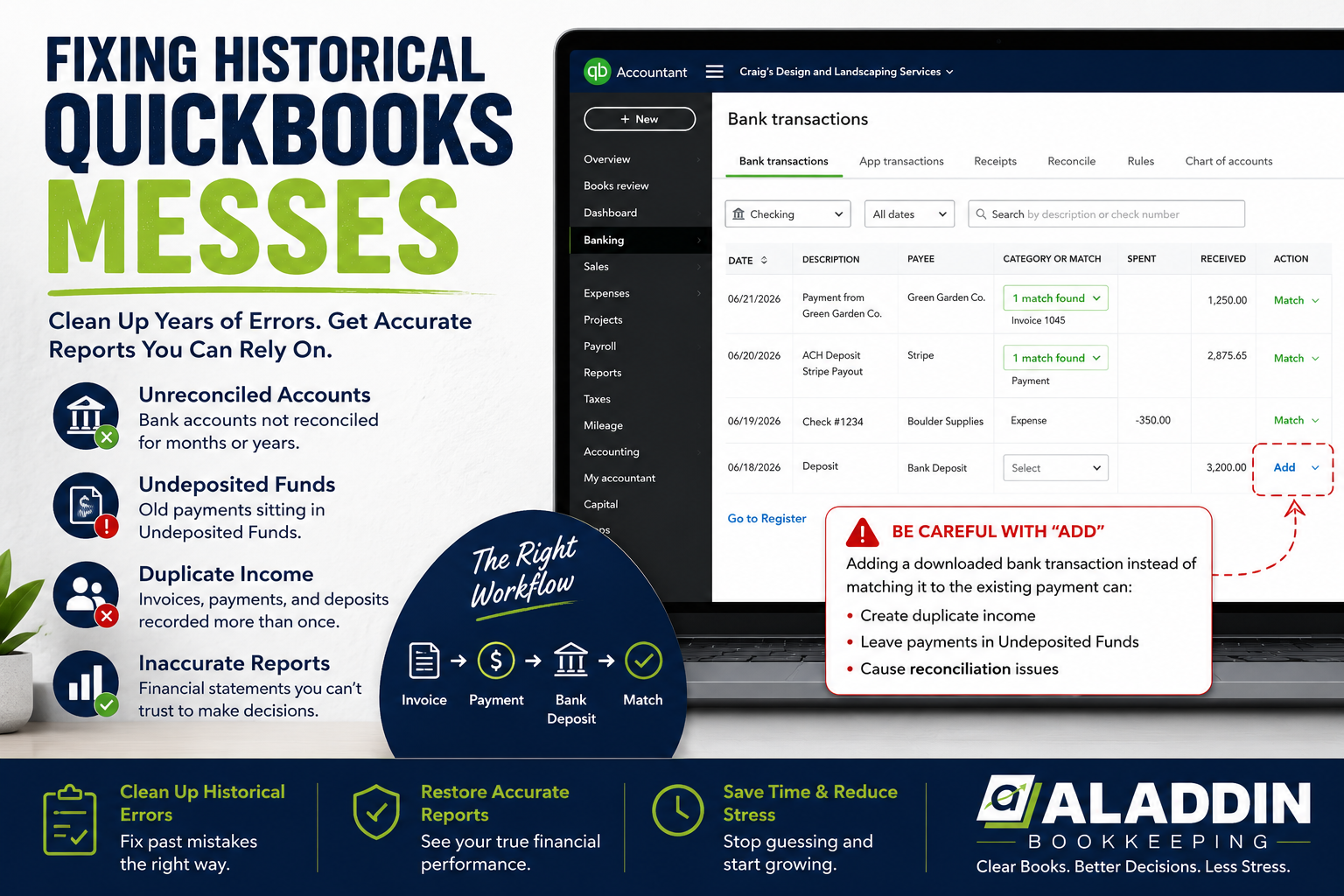
One of the most common integration issues involves duplicate invoices.
A CRM may generate an invoice that syncs successfully to QuickBooks. Later, a user manually creates the same invoice in QuickBooks because they believe it was never transferred.
Now the system contains two invoices for the same work.
This creates several problems.
Revenue may appear higher than it actually is. Accounts receivable balances become overstated. Financial reports show income that was never truly earned twice, but is recorded twice.
Contractors often discover these duplicate invoices months later when collections reports and customer balances stop making sense.
In many cases, the issue is not visible until year end reporting begins.
Unposted or Partially Synced Invoices
The opposite problem is just as common.
An invoice may exist in the CRM but never make it into QuickBooks.

Sometimes the sync fails completely. Other times only part of the information transfers.
For example, customer details may sync while invoice line items do not. A project may appear complete in the CRM while no corresponding revenue exists in QuickBooks.
This creates gaps between operational reporting and financial reporting.
Project managers may believe work has been billed and collected while accounting records show something entirely different.
These discrepancies often lead to confusion around revenue recognition and cash flow forecasting.
Why Accounts Receivable in QuickBooks Becomes Inaccurate
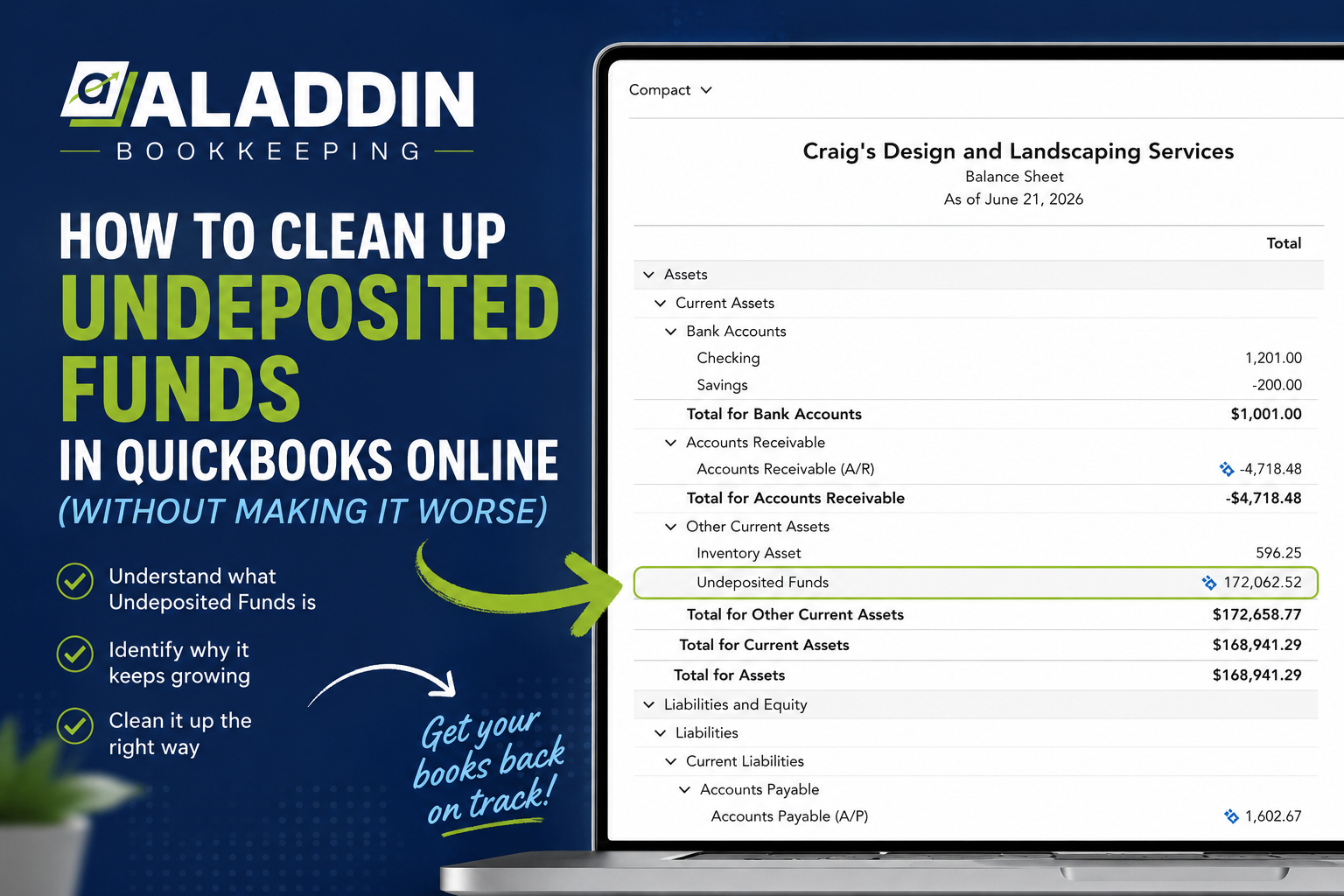
When invoices fail to sync correctly, one of the first areas affected is accounts receivable in QuickBooks.
Outstanding customer balances may no longer reflect reality.
Some invoices may remain open even after payments have been received. Others may be duplicated or partially synced, creating balances that should not exist.
Over time, these issues accumulate.
Contractors reviewing aging reports may see customers who appear overdue despite having paid their invoices months earlier. Collections efforts become inefficient because the information being used is inaccurate.
Reliable accounts receivable reporting depends on clean synchronization between operational systems and accounting records.
Old Invoices Can Overstate Revenue
Another issue frequently seen in quickbooks construction accounting environments is the accumulation of old invoices.
These invoices often remain open because:
- Payments were applied incorrectly
- Credits were never recorded
- Sync errors prevented updates
- Duplicate transactions were never removed
As these old invoices accumulate, revenue and receivable balances become inflated.
Management reports begin showing financial results that no longer reflect reality.
This becomes especially problematic during tax preparation. Business owners may discover that financial statements contain significant inaccuracies that must be corrected before filing.
If these issues have existed for an extended period, a professional Bookkeeping Clean Up may be necessary before accurate reporting can be restored.
Why Job Reports and Financial Reports Stop Matching
One of the most frustrating situations for contractors occurs when job reports and financial reports show completely different numbers.
A project may appear profitable within the CRM while accounting reports suggest otherwise.
This often happens because project management systems and accounting systems calculate information differently.
The CRM may be using estimated costs, projected revenue, or incomplete billing data. QuickBooks may be working from actual transactions that have not synced correctly.
As a result, management decisions are being made based on conflicting information.
This issue becomes more common as businesses expand their use of quickbooks construction management tools and connect multiple systems together.
The more systems involved, the more important accurate synchronization becomes.
How to Audit Your Integration
The good news is that these issues can usually be identified and corrected.
The first step is auditing your data.
Start by comparing customer balances between your CRM and QuickBooks.
Review open invoices in both systems and look for:
- Duplicate invoices
- Missing invoices
- Closed invoices that remain open
- Customer balances that do not match
Next, compare project revenue totals across systems.
If job profitability reports and financial statements show significant differences, investigate how transactions are being synchronized.
A structured monthly review process often helps identify these discrepancies before they become major problems.
This is one reason contractors benefit from professional Monthly Accounting support rather than relying solely on software automation.
How Contractors Can Prevent Future Sync Problems
Technology is helpful, but it should never replace oversight.
Contractors can reduce integration issues by implementing clear processes around data management and reporting reviews.
That includes:
- Regular reconciliation of customer balances
- Monthly review of accounts receivable
- Periodic testing of CRM integrations
- Verification of invoice synchronization
- Monitoring for duplicate transactions
Businesses that actively review their systems tend to catch issues much earlier than those that assume software is working perfectly.
You can learn more about the contractor businesses we support through our Industry page.
QuickBooks Is Only As Good As The Data It Receives
Many contractors assume QuickBooks is the source of the problem.
In reality, QuickBooks often reflects the information it receives.
If invoices are duplicated, customer records are inconsistent, or integrations fail, QuickBooks simply records that activity.
The real challenge is maintaining clean data across every connected system.
That requires more than software. It requires processes, oversight, and regular review.
Our experienced Team regularly works with contractors facing these exact challenges and helps identify the root causes behind reporting discrepancies.
The Bottom Line
When your CRM and QuickBooks tell different stories, it becomes difficult to trust your numbers.
Duplicate invoices, failed syncs, inaccurate accounts receivable balances, and outdated transactions can all distort financial reporting and create confusion throughout the business.
The good news is that these issues are usually fixable once they are identified.
You can learn more About Us and how we help contractors improve reporting accuracy and financial visibility.
If you would like to discuss your systems and reporting challenges, Book A Call with our team.
Or simply Contact Us to start the conversation.
FAQs
Why do CRM and QuickBooks reports often show different numbers?
CRM and QuickBooks reports often differ because information does not always synchronize perfectly between systems. Duplicate invoices, failed integrations, incomplete transaction transfers, and timing differences can all create discrepancies between operational reports and financial statements.
How can duplicate invoices affect accounting records?
Duplicate invoices can overstate both revenue and accounts receivable balances. This can make financial reports inaccurate and create confusion around collections, profitability, and tax reporting if the duplicates are not identified and removed.
What causes inaccurate accounts receivable in QuickBooks?
Inaccurate accounts receivable balances are often caused by failed invoice synchronization, incorrectly applied payments, duplicate transactions, or outdated customer records. Regular reconciliation helps identify these issues before they affect financial reporting.
Is QuickBooks a good contractor accounting software?
QuickBooks can be an effective contractor accounting software when configured correctly and integrated properly with other systems. However, its effectiveness depends heavily on data accuracy, synchronization processes, and ongoing oversight.
How do I know if my QuickBooks integration needs attention?
If customer balances do not match between systems, project reports differ from financial reports, or accounts receivable balances seem unusually high, it may be time to review your integration. Many contractors also find value in reviewing client Reviews to see how other businesses have solved similar reporting challenges.
Can CRM and QuickBooks integration issues be fixed without changing software?
Yes. In many cases, the issue is not the software itself but how data is being synchronized and reviewed. Contractors often improve reporting accuracy by adjusting integration settings, cleaning up records, and implementing stronger oversight processes. Businesses looking for ongoing support may also explore different Bookkeeping Packages as part of a long term solution.